
AI visualizer for door and window dealers
Let homeowners try your products on their own house.
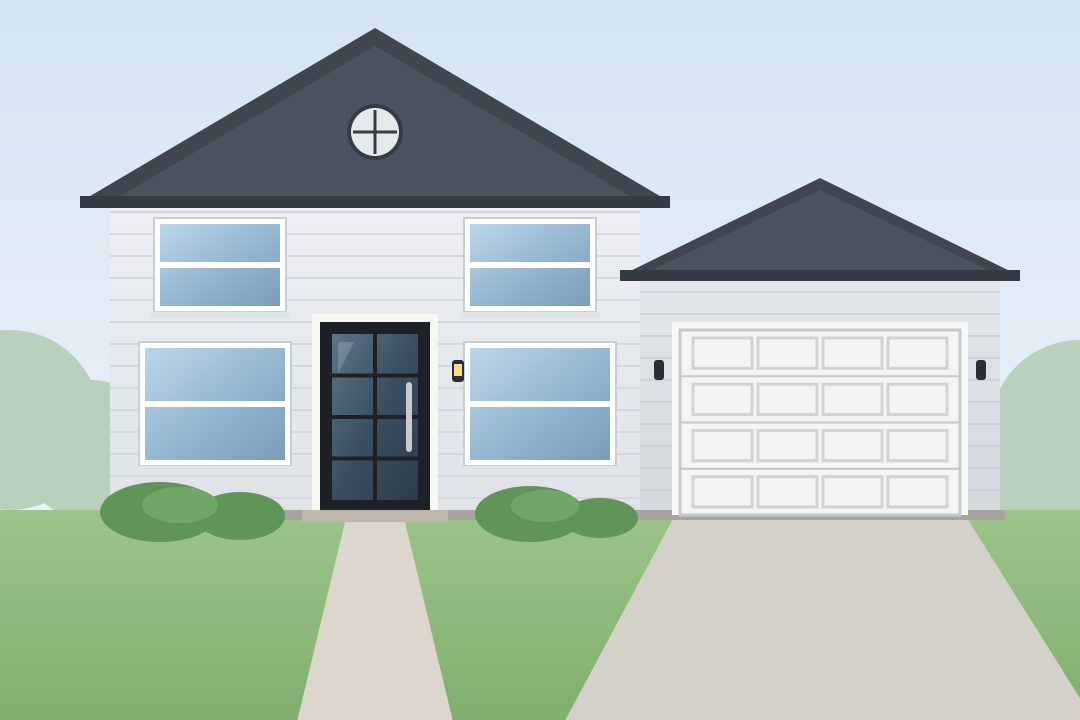
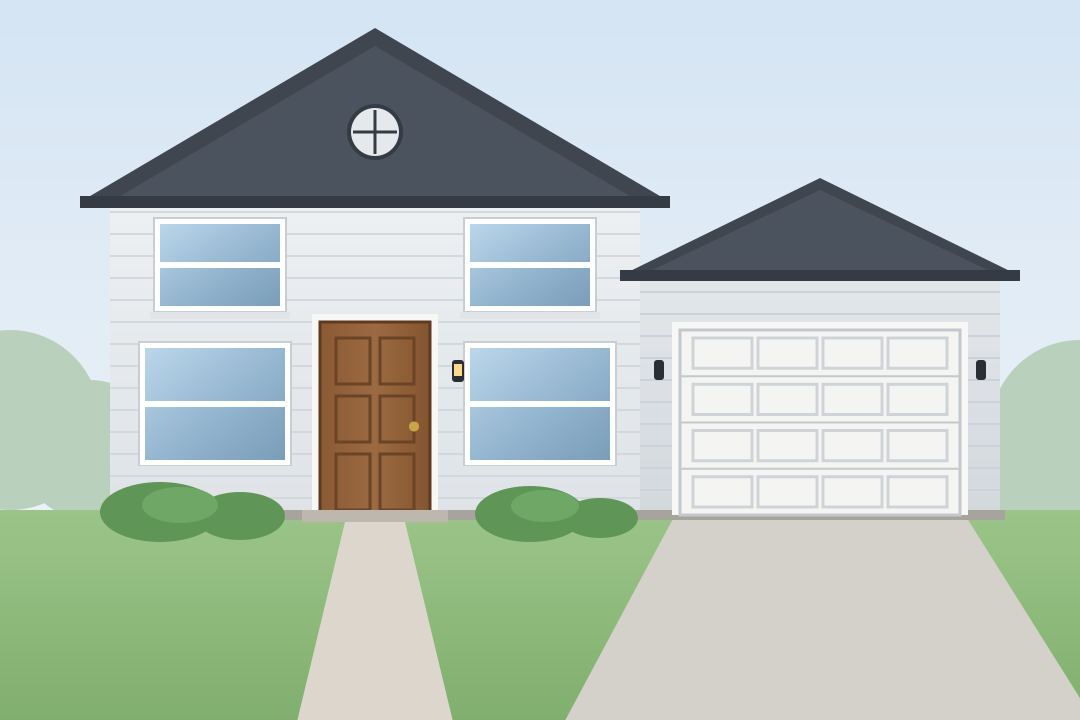
TryMyDoor puts a visualizer with your brand on your website. A homeowner uploads a photo of their home, picks an entry door, garage door, patio door or window from your catalog, and sees it installed in seconds. Then they send you a quote request.
- Unlimited quote requests, no per-lead fees
- Your logo, colors and product catalog
- Works on phones, nothing to download
Who it's for
Built for anyone who sells what goes on the front of a house
Load your own catalog and TryMyDoor shows it on the homeowner's photo.
Entry doors
Steel, fiberglass, wood, iron and pivot doors, with sidelights and transoms.
Garage doors
Carriage house, modern full-view, raised panel and flush styles in any color.
Patio and sliding doors
Sliding, French, folding and multi-panel doors for the back of the house.
Windows
Replacement windows with different frames, colors and grid patterns.
Installers and remodelers
Show options from the brands you install and win the job before the site visit.
How it works
From house photo to quote request in four steps
Homeowners do it from their phone, right on your website.
-
1
Upload a photo
The homeowner takes or picks a photo of their house.
-
2
Pick a product
They browse your catalog and filter by type, style, size, color and glass.
-
3
See the AI preview
AI puts that product on their house. They can try several, compare them and save the picture.
-
4
You get the lead
They send a quote request. You get their name, email, phone, the products they chose and the preview pictures.
Unlimited quote requests. No per-lead fees.
Every quote request comes straight to your inbox and is saved in your dashboard. Your plan stays the same whether you get ten leads a month or a thousand.
Why dealers use it
Help buyers picture it, and get more of them to reach out
Homeowners struggle to imagine a new door or window from a brochure. TryMyDoor shows it on their own house.
Warmer leads
Quote requests arrive with the product the homeowner picked and a picture of it on their home, so your first call starts halfway through the sale.
Unlimited quote requests
No caps and no per-lead charges. Every request goes only to your company, and the leads are yours.
White-label, your brand
Your logo, colors, phone number and products. Homeowners see your company the whole way through, not ours.
Works on the site you already have
Wix, WordPress, Squarespace, Shopify, Webflow or plain HTML. It goes on any page with a short snippet of code.
Great for showrooms and sales visits
Open it on a tablet in the showroom or at the kitchen table and show the homeowner options on their own house.
You control the catalog
Add, hide or remove products from a simple admin page with a photo, name, style and size. Changes show up right away.
What's included
Everything a homeowner needs to choose
And everything your team needs to follow up.
See it in a demo- Before and after slider so the homeowner sees the difference.
- Side-by-side compare of up to three products.
- Download or share the preview to show a spouse or builder.
- Quote request form with the chosen products and preview pictures attached.
- Email alerts to your sales team. Hit Reply to answer the homeowner.
- Admin dashboard for your catalog, branding, quote requests and spreadsheet export.
- Usage limits per visitor and per day to keep things in check.
- Setup done for you: we brand it, load your catalog, add it to your site and show your team how it works.
Live demo
Try it on a house of your own
The demo uses a made-up company with sample products. Yours would show your own brand and catalog.
Use any photo of the front of a house, taken straight on in daylight.
We'll walk you through the live visualizer on a short call, using a photo of a home in your area and products like yours.
Easy to install
Two lines of code, or we add it for you
The visualizer sits on any page of your website and fits phones and computers. On Wix it's added as an embedded site. Most dealers have us do it during setup.
<!-- Paste where the visualizer should appear -->
<div id="door-visualizer"></div>
<script src="https://yourcompany.trymydoor.com/embed.js" defer></script>
Questions
Frequently asked questions
What products does it work with?
Entry doors, garage doors, patio and sliding doors, and windows. If it goes on the outside of a house and you have a clear photo of it, it can usually go in your catalog. Tell us what you sell and we'll confirm.
How realistic is the preview?
It's a realistic preview made by AI to help homeowners choose a style and see how it looks on their house. It works best with a straight-on daylight photo where the whole door or window is visible. The page tells homeowners that final sizes and finishes are confirmed at their consultation.
Is there a limit on quote requests?
No. You get unlimited quote requests and there are no per-lead fees. Every request goes to your inbox and is saved on your admin page.
Do homeowners need to download an app?
No. It runs in the web browser on any phone, tablet or computer.
Will it work with my website?
It works with Wix, WordPress, Squarespace, Shopify, Webflow and most other website builders, plus hand-coded sites. If you're not sure, tell us your website address and we'll check. No website yet? We can give you a page of its own.
Can we change the products ourselves?
Yes. Your admin page lets you add, edit, hide or remove products at any time. A clean, straight-on photo of each product gives the best previews.
Who owns the leads?
You do. Quote requests go only to your company, and you can export them to a spreadsheet at any time.
Will homeowners see the TryMyDoor name?
No. It's white-label: it shows your logo, colors and phone number, and it sits on your own website.
How much does it cost?
Pricing is a one-time setup fee plus a monthly plan, and depends on your catalog and website. Request pricing and we'll send it over.
Get started
See it with your own products
Tell us a little about your company. We'll set up a short demo, or send pricing if that's all you need right now.
- No obligation
- We'll reply by email
Prefer email? Write to contact@trymydoor.com.